Mirroring East Hampton's open dataPublishing a municipal government's open data as a Portolan catalog
All guides & demosIn this walkthrough, we'll cover a simple example of publishing East Hampton, New York's open data as a catalog that follows the Portolan specification . By the end, you'll know how to use the Portolan bootstrap agent skill to orchestrate an end-to-end conversion of an existing Esri server to a complete Portolan catalog, published on Source Cooperative. (Note that the example here is an unofficial mirror of East Hampton's data, not an officially-endorsed catalog.)
Before you begin
If you want to try this with your own data, you'll need:
- Claude Code , installed and signed in.
- Git and a GitHub account for the Git-backed catalog.
- A Source Cooperative account with write access to your destination repository. The sourcecoop prerequisites cover access and authentication setup.
- Node.js 24.12 or newer and
npmfor thumbnails. See the thumbnail skill requirements .
Claude handles installing uv and portolan-cli.
Getting started
First, we install the Portolan skills plugin in Claude Code. In this session, we're using Claude Opus 5.5 in the Claude Code CLI, and running on a laptop with 16 cores and 64 GB of RAM. While the Portolan skills work fine in Claude Cowork, too, Cowork's stricter sandboxing and smaller virtual machines can lead to difficulties in accessing and processing the data, so we generally prefer to use the CLI. This would also work fine with Codex, Gemini, and other LLMs, and we include installation instructions for other agents and a quickstart guide in the Portolan skills repository.
To install the skills, run the following in your terminal, or paste them into Claude and ask it to run them for you:
claude plugin marketplace add portolan-sdi/portolan-skills
claude plugin install portolan@portolan-skills
After installing, start a new Claude Code session in an empty working directory, or run /reload-plugins in an existing session to load the skills. To update the Portolan skills in the future, run claude plugin update portolan@portolan-skills in your terminal.
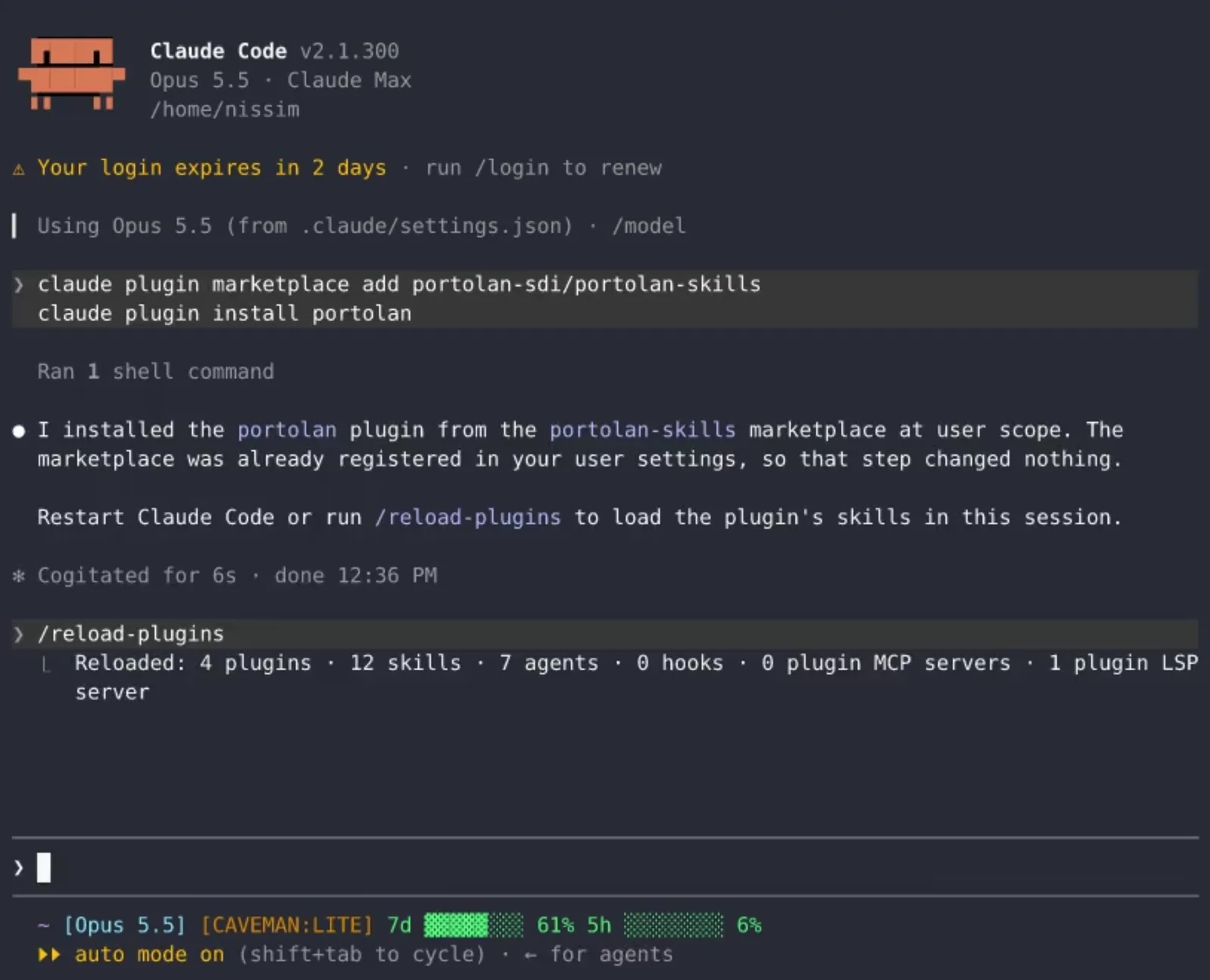
With the plugins installed, we have Claude use the bootstrap skill to orchestrate the entire process of converting East Hampton's open data into a catalog. The bootstrap skill is deliberately designed for this and is fairly comprehensive, but we also specifically request that it use the git-backed-catalog skill , the portolan-thumbnails skill , and the sourcecoop skill . All of these are optional, but we believe that they make for a better experience of publishing and using Portolan data. (We'll release mini walkthroughs on each of them in the near future.)
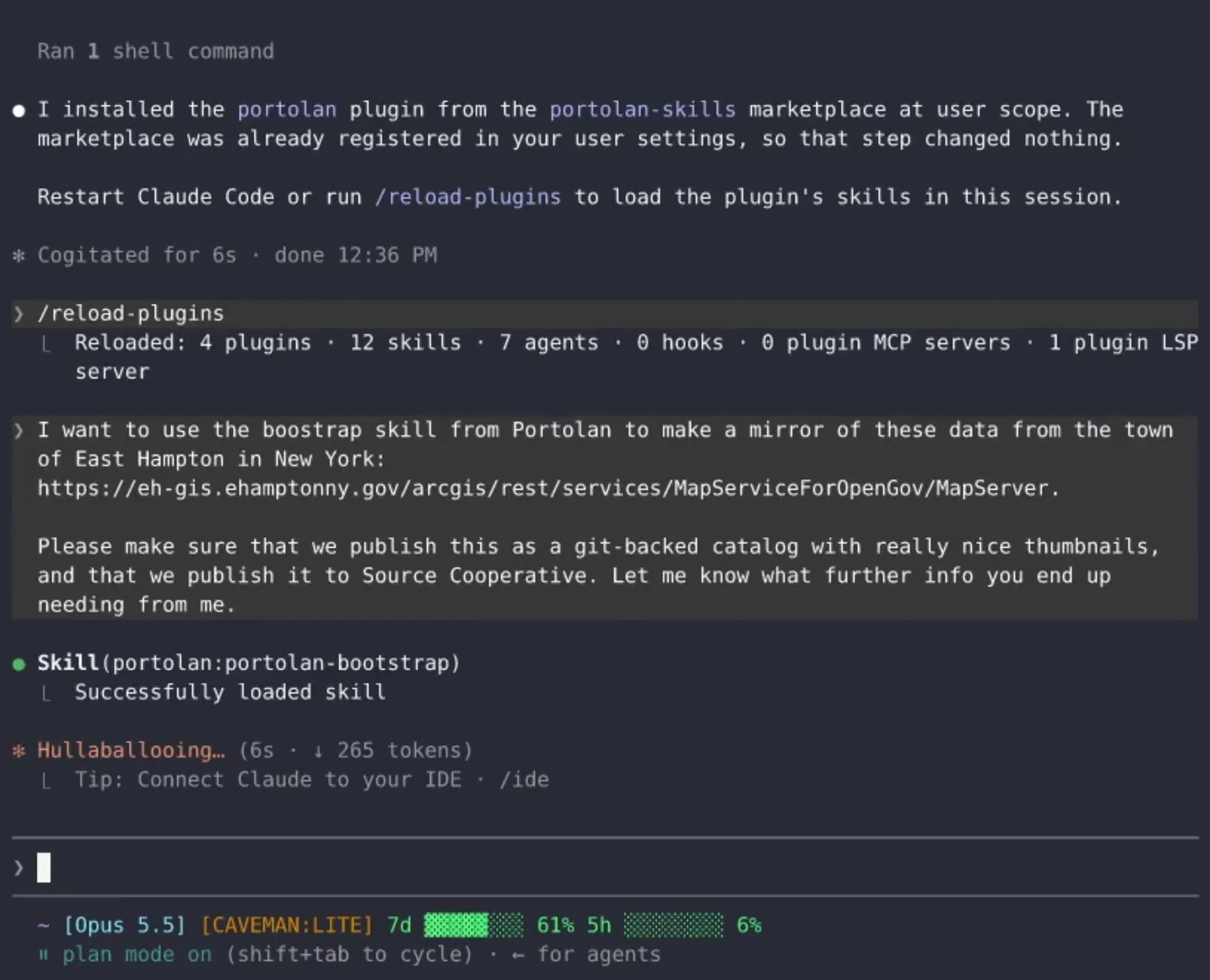
Because these skills are thorough, prompting Claude requires very little input; all I had to provide was the URL to East Hampton's Esri MapServer that I wanted to extract the data from. This was the whole message that I sent it:
I want to use the bootstrap skill from Portolan to make a mirror of these data from the town of East Hampton in New York:
https://eh-gis.ehamptonny.gov/arcgis/rest/services/MapServiceForOpenGov/MapServer

Please make sure that we publish this as a git-backed catalog with really nice thumbnails, and that we publish it to Source Cooperative. Let me know what further info you end up needing from me.
Planning up front
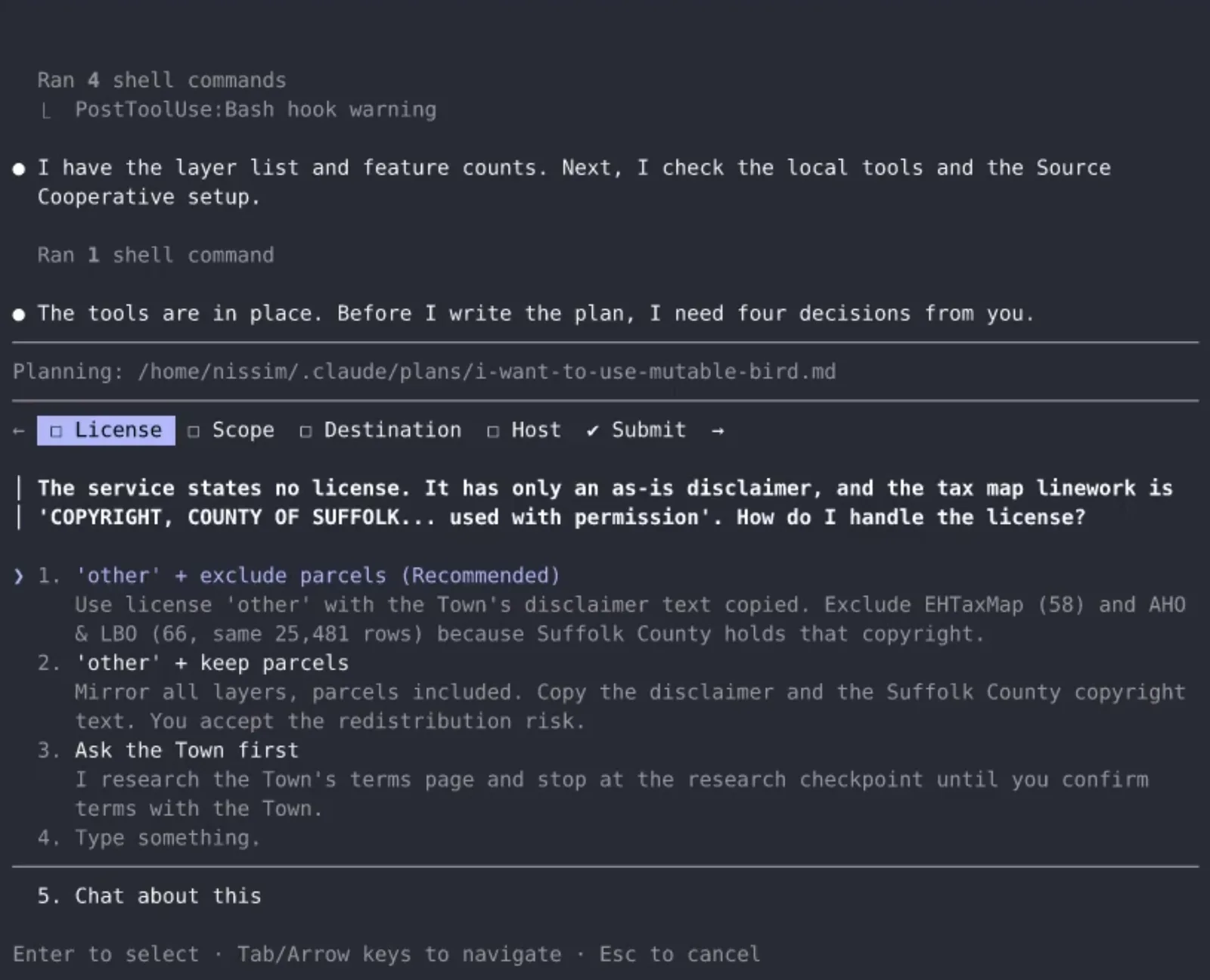
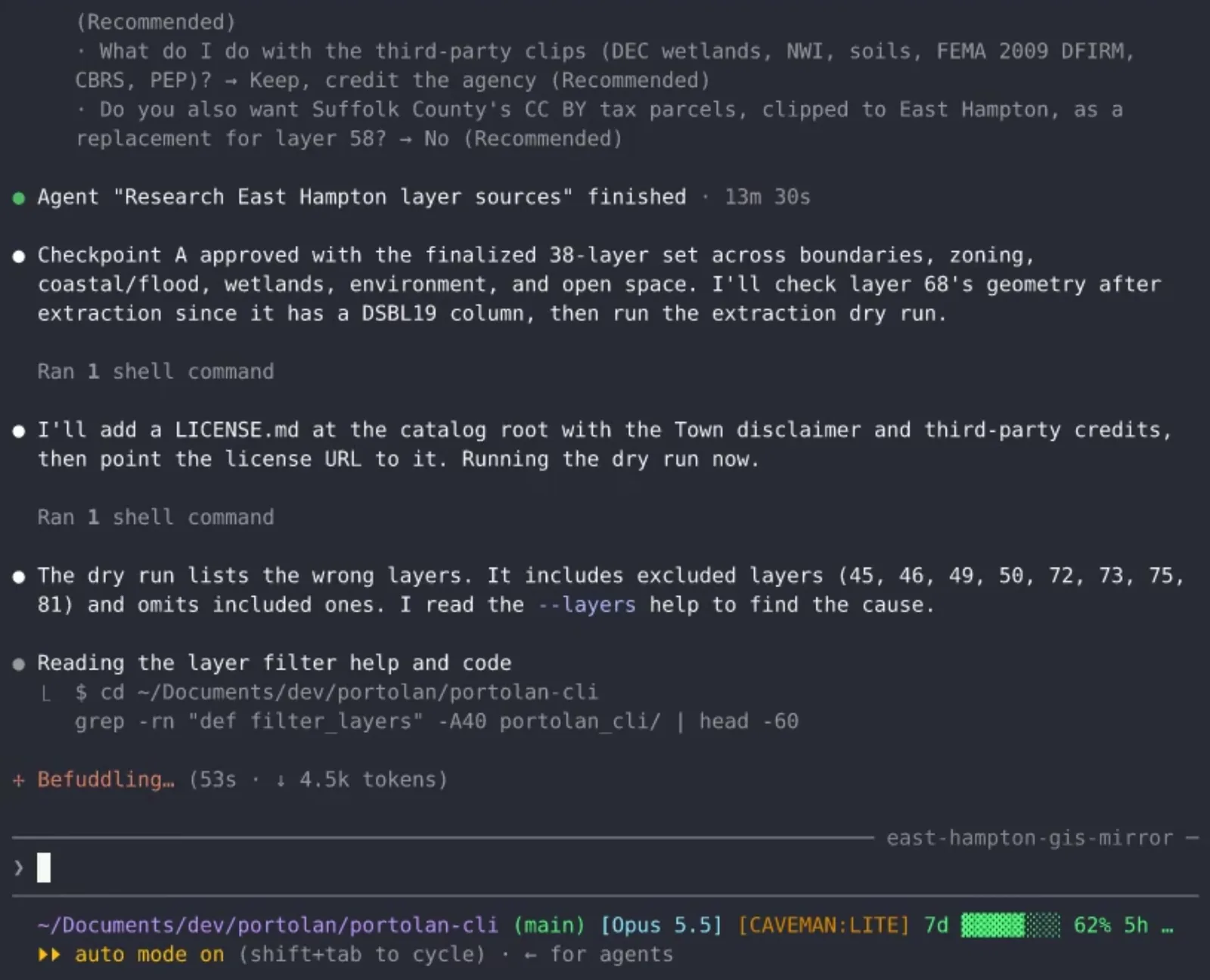
The first thing that Claude does, per the bootstrap instructions, is explore the data source and plan its work. (You may want to explicitly switch into Claude's plan mode for this step.) It does some research to understand what it's working with, identifies any potential stumbling blocks, and also asks for input on key decisions. For example, in this session, Claude runs into some issues with the licensing of a few of the upstream datasets, which it asks me about:
After some iteration and getting my input, Claude proposes a plan for my approval:
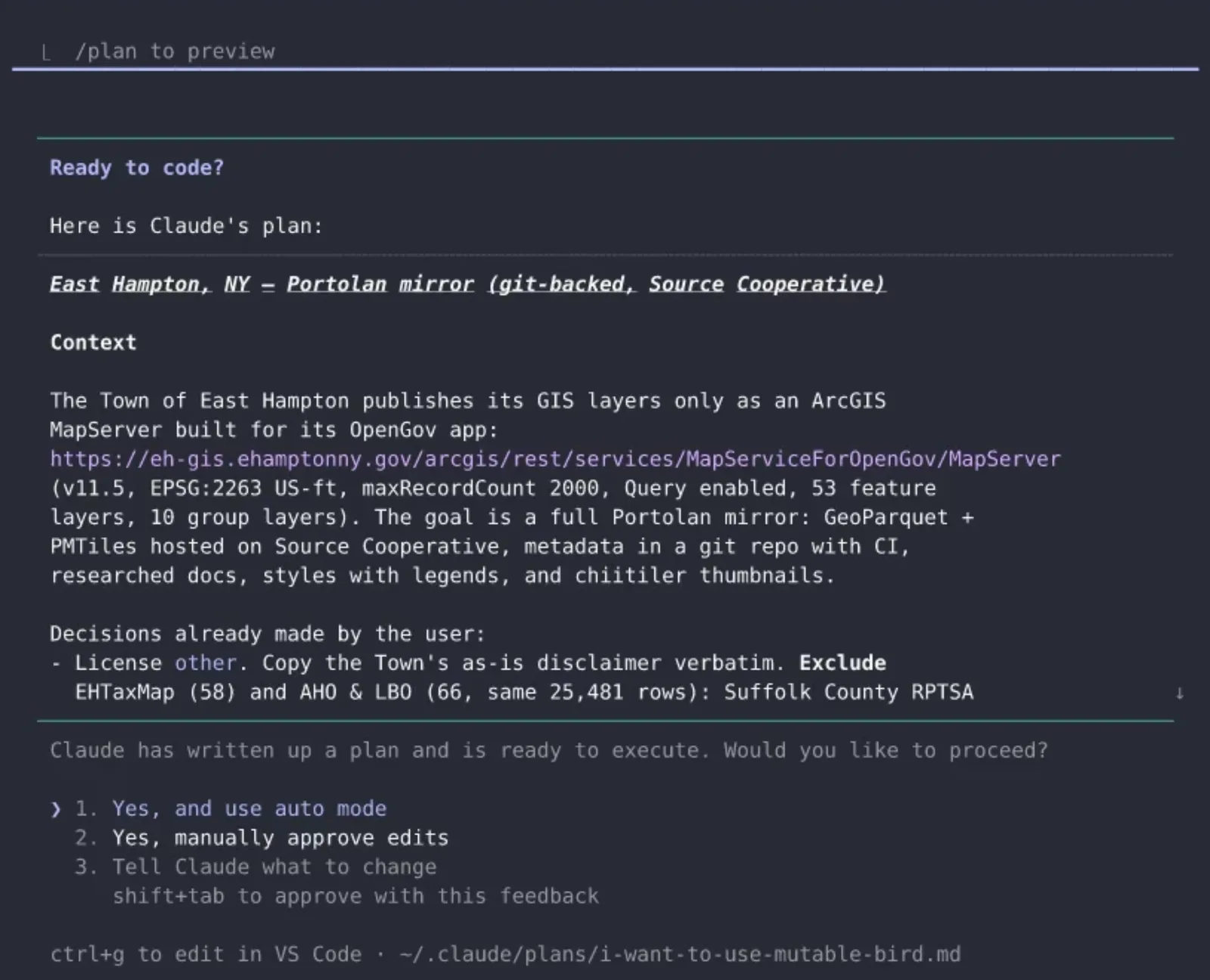
I can either accept or give it more feedback for further iteration. In this case, I accept, and we move on to the actual data extraction.
Creating and validating the catalog
Under the hood, the bootstrap skill instructs Claude to use portolan-cli , which is a CLI that contains a bunch of convenience tooling we've developed for creating Portolan catalogs. The CLI handles things like extracting data from upstream Esri or WFS servers, converting it to cloud-optimized file formats such as GeoParquet and PMTiles , organizing it as a STAC catalog, and enriching it with metadata extracted from the original source. Because the CLI is deterministic (i.e., all scripted), its output is more reliable than simply prompting an agent to do the same tasks, and also uses far fewer tokens.
The CLI also allows Claude to dry run the extraction before starting. In this case, the dry run reveals a layer-selection bug . The CLI interprets the numbers passed to --layers as positions in the layer list instead of Esri layer IDs. Claude works around this by passing the list positions for the intended layers before proceeding. In general, frontier models like Claude Opus and OpenAI's Sol tend to be quite good at finding and recovering from complications like this, which is one advantage of the flexibility that comes from working with an agent.
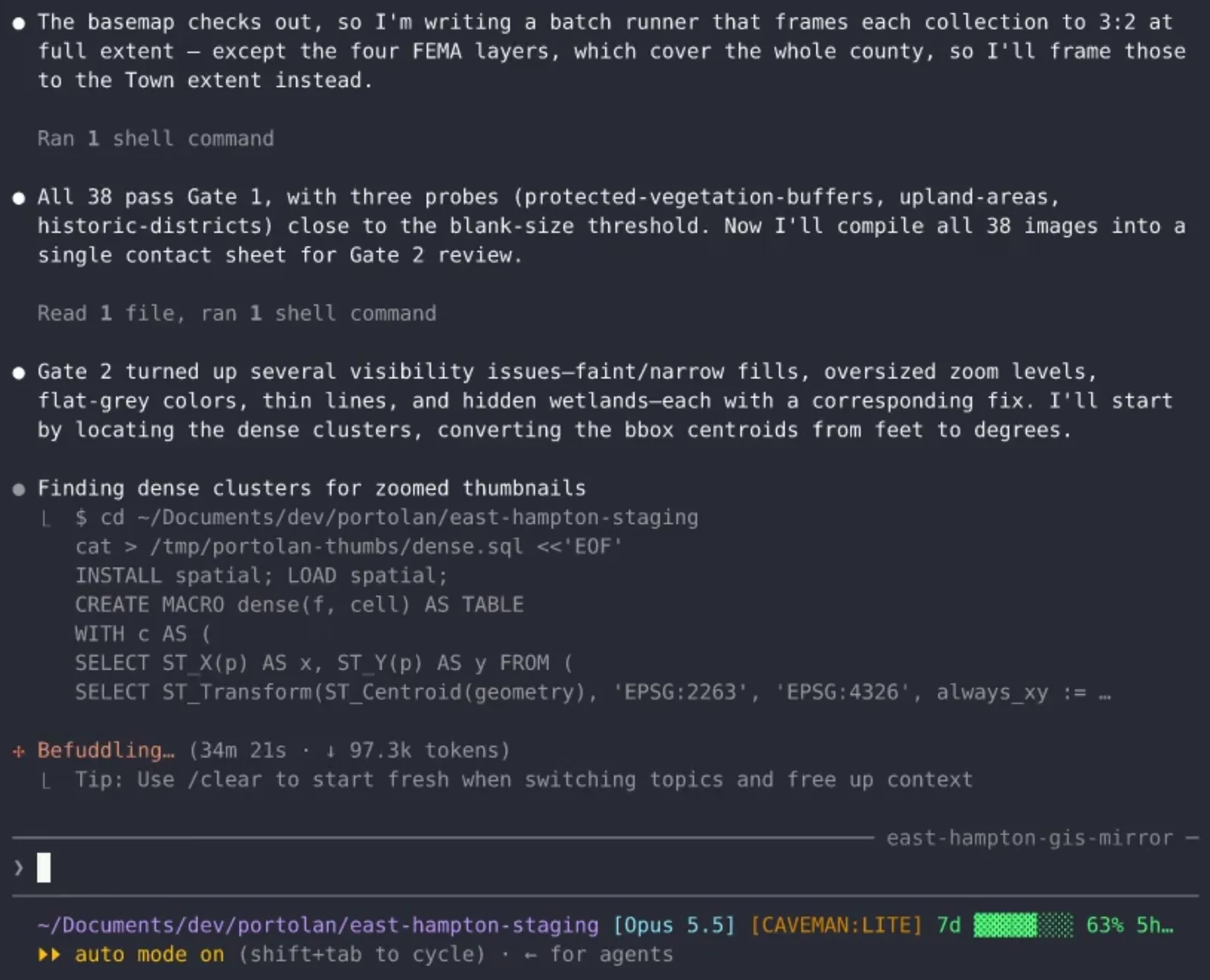
Once a first pass on the catalog is complete, the bootstrap skill explicitly instructs Claude to double-check the output for errors, inconsistencies, and other problems like missing documentation or poorly-styled thumbnails. Getting these details right makes a big difference in publishing a nice catalog, and we find that the second pass helps keep catalog quality high. The skill also calls for validation with rashid, the Portolan validator , before and after publication.
Publication and results
Once the catalog has been cleaned up, Claude takes care of publishing it. In this case, we publish the data to Source Cooperative . The bootstrap skill instructs Claude to use the sourcecoop skill which makes the process straightforward. (See Source Coop's documentation for information on getting set up to publish on Source Cooperative.)
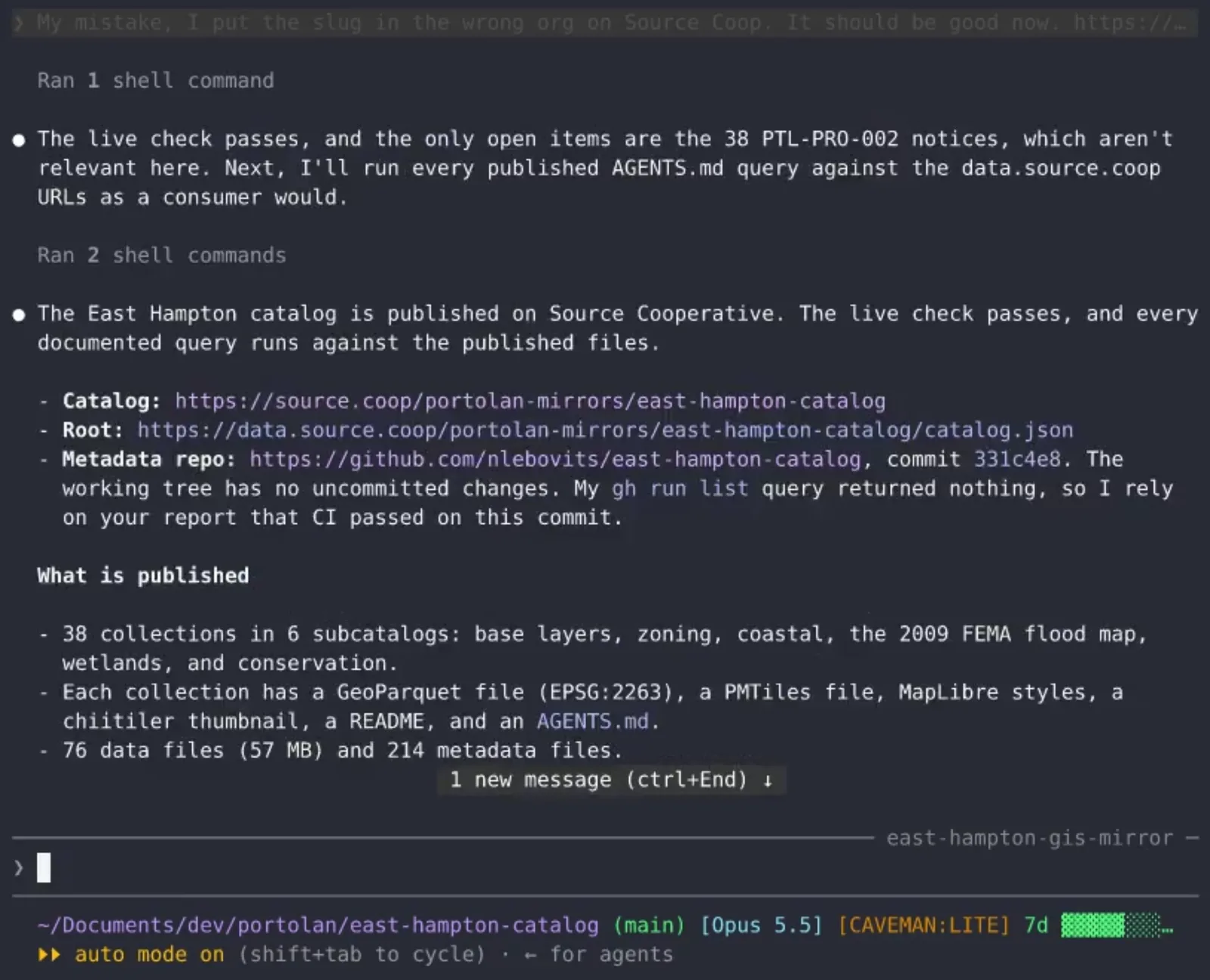
Once the data are live, we can view the published catalog on Source Cooperative directly in its user interface. The entire catalog comes to 78.1 MB across 290 files. At AWS S3 Standard's list price of $0.023 per GB per month, this comes to roughly two cents a year to store these data.
A screen recording scrolls the Source Cooperative page for the Town of East Hampton, NY GIS Layers. It shows the six subcatalogs, the catalog files, and the README.
Claude also adds the catalog to the Portolan registry , which is a kind of catalog of catalogs: a federated network of registered Portolan catalogs. This means that catalog owners can keep their data in their own storage while making it easily findable, searchable, and accessible for users, like via the Portolan registry QGIS plugin or the reading-portolan skill . (Adding catalogs to the registry is always opt-in, not the default.)
Lastly, we open the East Hampton catalog in the Portolan browser to see what it looks like. Pretty cool! The upstream data have been extracted into a single catalog, organized neatly in subcatalogs and collections, and given nice thumbnails and styling for easy visualization in the browser. Any of the data in the catalog can also be opened directly in tooling like ArcGIS, Python, QGIS, DuckDB, or other standard geospatial tools. Choose a file format your tool supports and use its remote-file reader to open the file URL.
A screen recording opens the East Hampton catalog in the Portolan Browser, moves into the Boundaries and Districts subcatalog, and opens the Zoning Districts collection on a map.
All told, the entire process took about an hour and a half, most of which was bottlenecked by the size of the upstream dataset and my internet speed. Claude used 52 million tokens, which at current API prices comes to about $24, although in reality this is much cheaper on a subscription. I ran the session on a 20x Max plan and had no issues, but if you're on a Pro plan, you'd likely hit the five hour usage limit at least once. You can always resume when your limits reset, or consider switching to a cheaper model like Sonnet (we haven't done evals to compare these, but anecdotally, we think Sonnet handles tasks like this pretty well). If you prefer working entirely without agents, you can use the Portolan CLI yourself; the runnable Philadelphia housing tutorial covers a complete example of this.
In future walkthroughs, we'll dive deeper on some of what's going on under the hood, including topics like generating nice thumbnails , git-backed Portolan catalogs , and publishing to Source Cooperative .
If you'd like to try this yourself, give the agent the URL for your dataset of choice (or pick one from our list of datasets to mirror ) and adapt the prompt above. If you have feedback or want to get involved in building Portolan, check out our GitHub org and join the Portolan channel on Slack .